Open Minecraft Bedrock Edition
Launch Minecraft Bedrock Edition on your Xbox, PlayStation, Nintendo Switch, PC, or mobile device. Make sure you're signed in to your Microsoft account and connected to the internet.
Important: This guide is for Minecraft Bedrock Edition only. If you're on PC, make sure you're using Bedrock Edition (Windows 10/11 version), not Java Edition.
Navigate to the Realms Page
From the main menu, click on the "Play" button, then navigate to the "Realms" tab at the top of the screen. Click the "Add/Join Realm" button (or the plus icon on some platforms).
Enter the Bedrock United Realm Code
Click "Join an Existing Realm" and enter the Bedrock United realm code in the text field:
e4RSqCUBcY2prUg
Join the Bedrock United Lobby
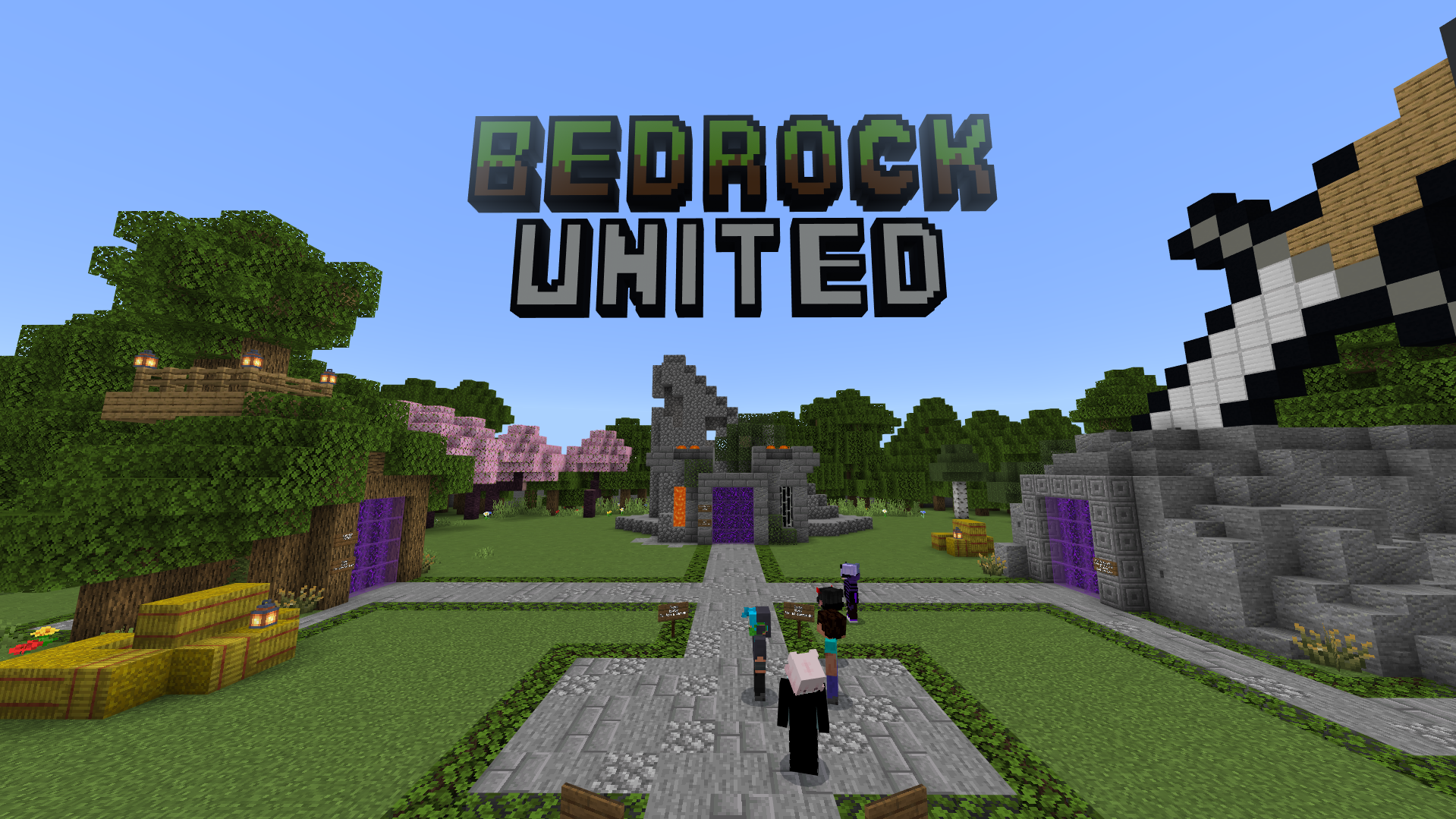
After entering the realm code, click the "Join" button. You'll be connected to the Bedrock United lobby where you can access any Bedrock server. The lobby is designed to be intuitive and easy to navigate on console controllers.
Find the "Join Any Server" NPC
Once you're in the lobby, walk around and look for the "Join Any Server" NPC (Non-Player Character). This is usually clearly marked and easy to find. Walk up to the NPC and interact with it using your controller's interact button (right-click on PC/mobile).
Tip: The lobby is designed to be easy to navigate with a controller. Take your time to explore and you'll quickly find the server connection area.
Connect to Any Bedrock Server
A server menu will open with two options:
✓ Browse Featured Servers
Choose from our curated list of verified, safe, and active Bedrock servers. These include survival servers, PvP arenas, mini-games, and more.
✓ Enter Custom Server Details
Have a specific server you want to join? Enter the server IP address and port to connect to any public Bedrock server. You can save your favorites for quick access later!
🎉 You're All Set!
That's it! You can now join any Minecraft Bedrock server on your console. The server you select will transfer you automatically, and you can return to the Bedrock United lobby anytime to switch servers or join new ones.